Watchlist
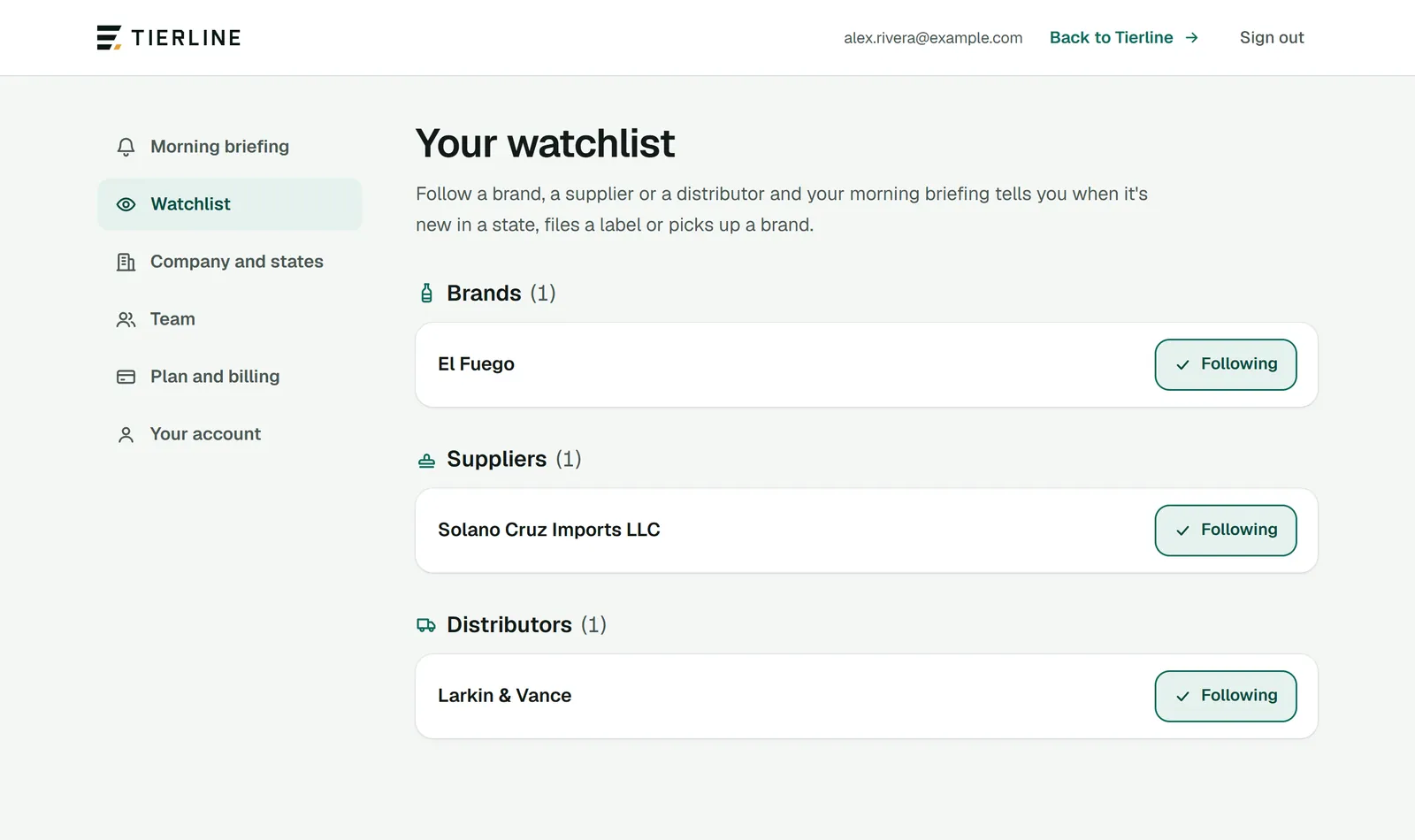
Your watchlist is the brands, suppliers and distributors you follow. It’s yours alone, and it’s a section of your briefing.
How to read it
- 1.
What you follow, by kind: brands, suppliers and distributors. Each name opens its page.
- 2.
Following: press it to stop following.
What to do here
Follow something
Open any brand, supplier or distributor and press Follow beside its name. Try a competitor, a supplier you’d like to carry, or a wholesaler you sell through.
Get it in your briefing
Make sure Your watchlist is one of your briefing’s sections.
Good to know
- Your briefing tells you when something you follow is new in a state, files a label or picks up a brand.