User guide
How to use Tierline
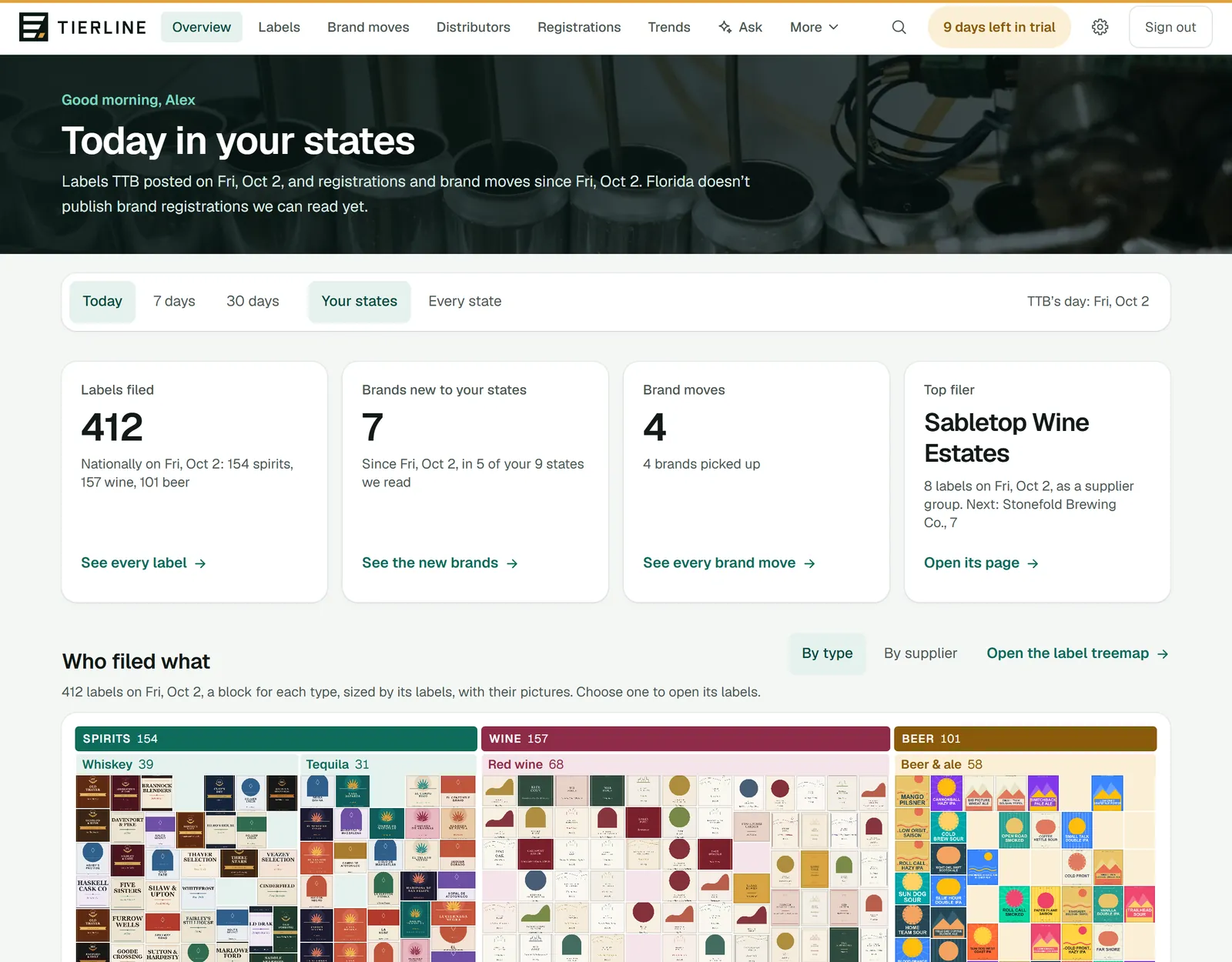
Every screen in Tierline: what it’s for, how to read it and the two or three things to do there, with pictures of the app. Start with getting started, or go straight to the screen you’re on.
The pictures come from Tierline’s demo, so every company, brand and person in them is invented.
Start here
What’s new
Brands new to your states
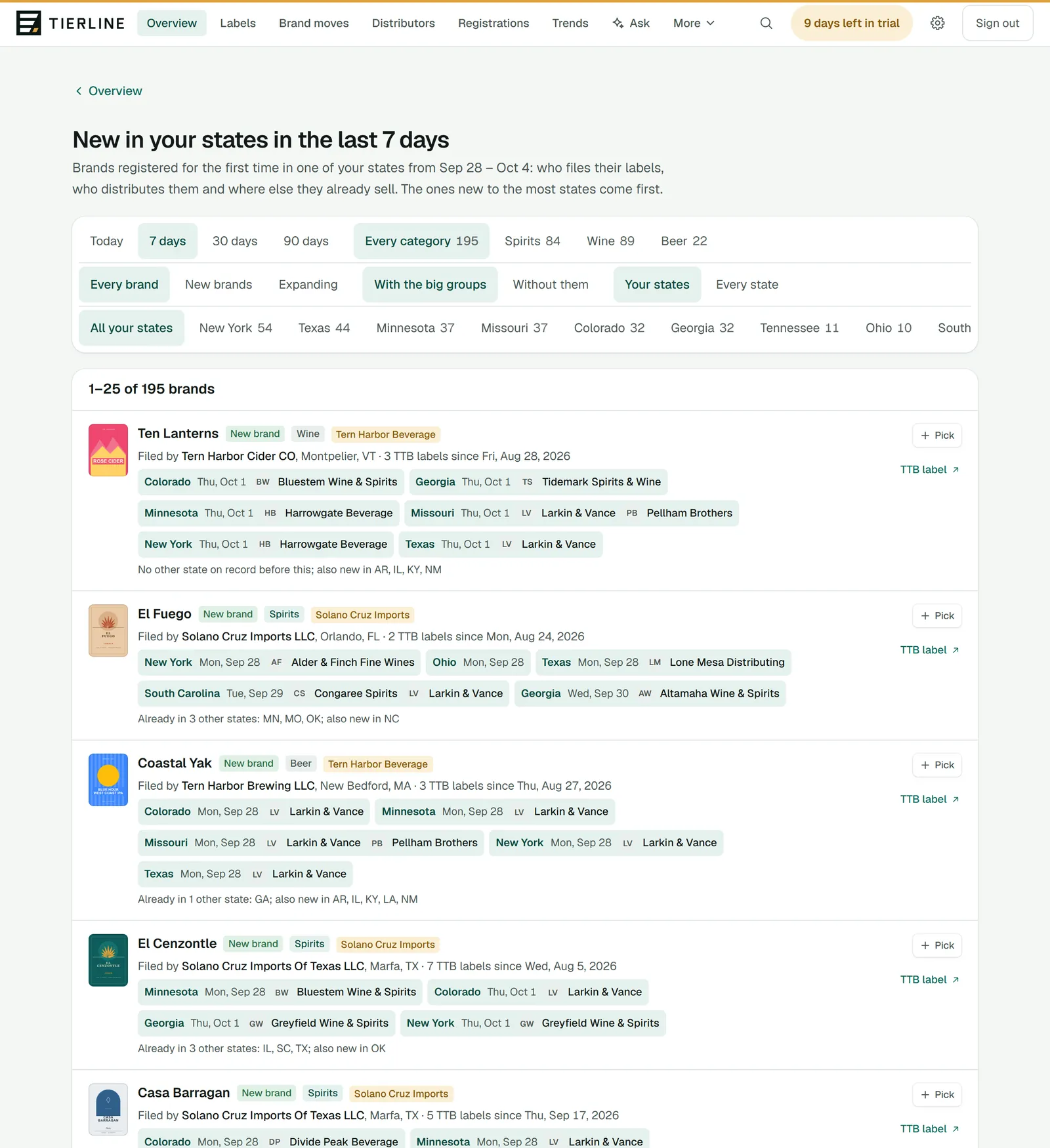
Every brand registered for the first time in your states: who files its labels, who distributes it and where else it already sells.
Labels
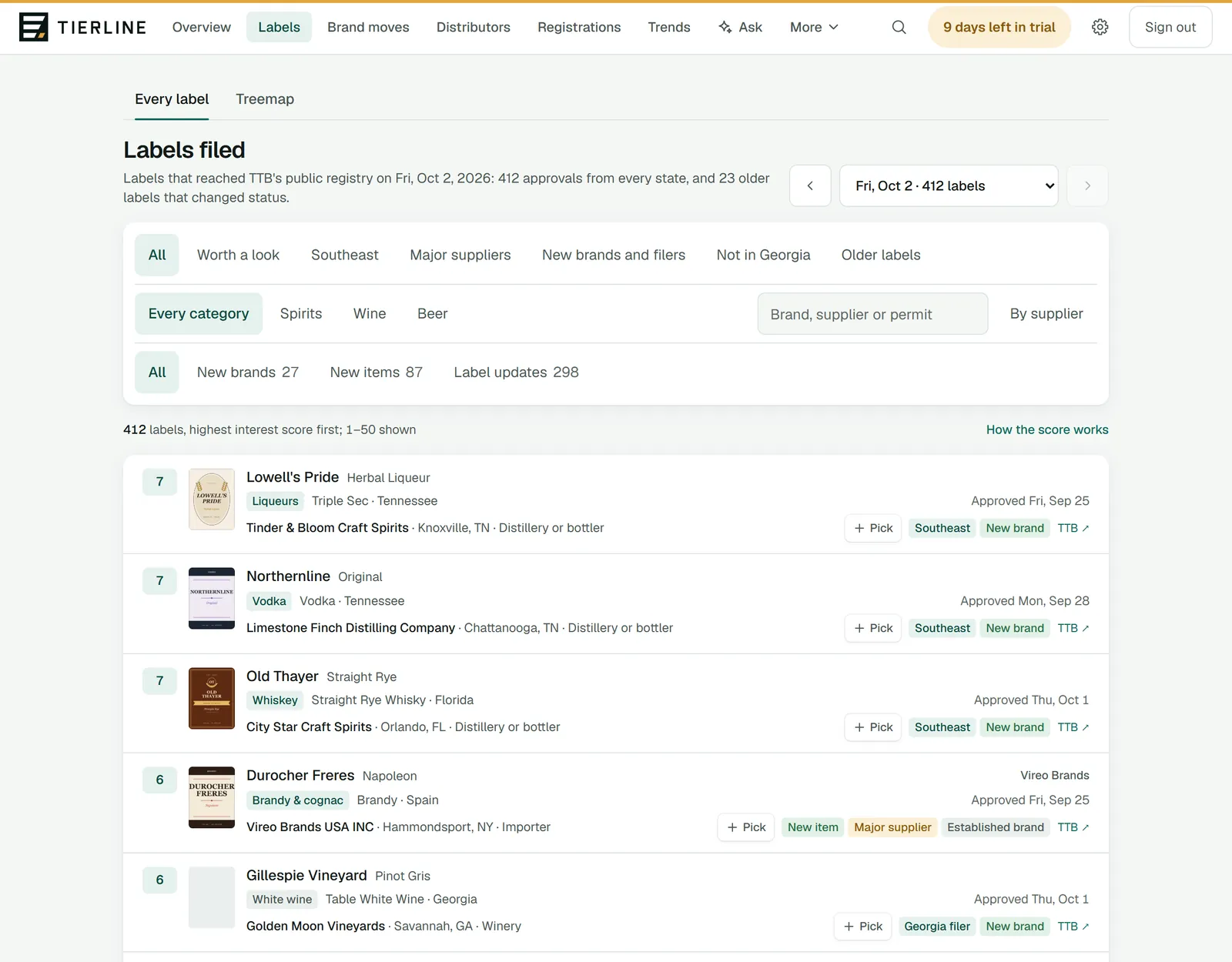
Every label TTB approved on a day, from every state: the whole list with its filters, a page at a time, and a treemap of the labels’ pictures.
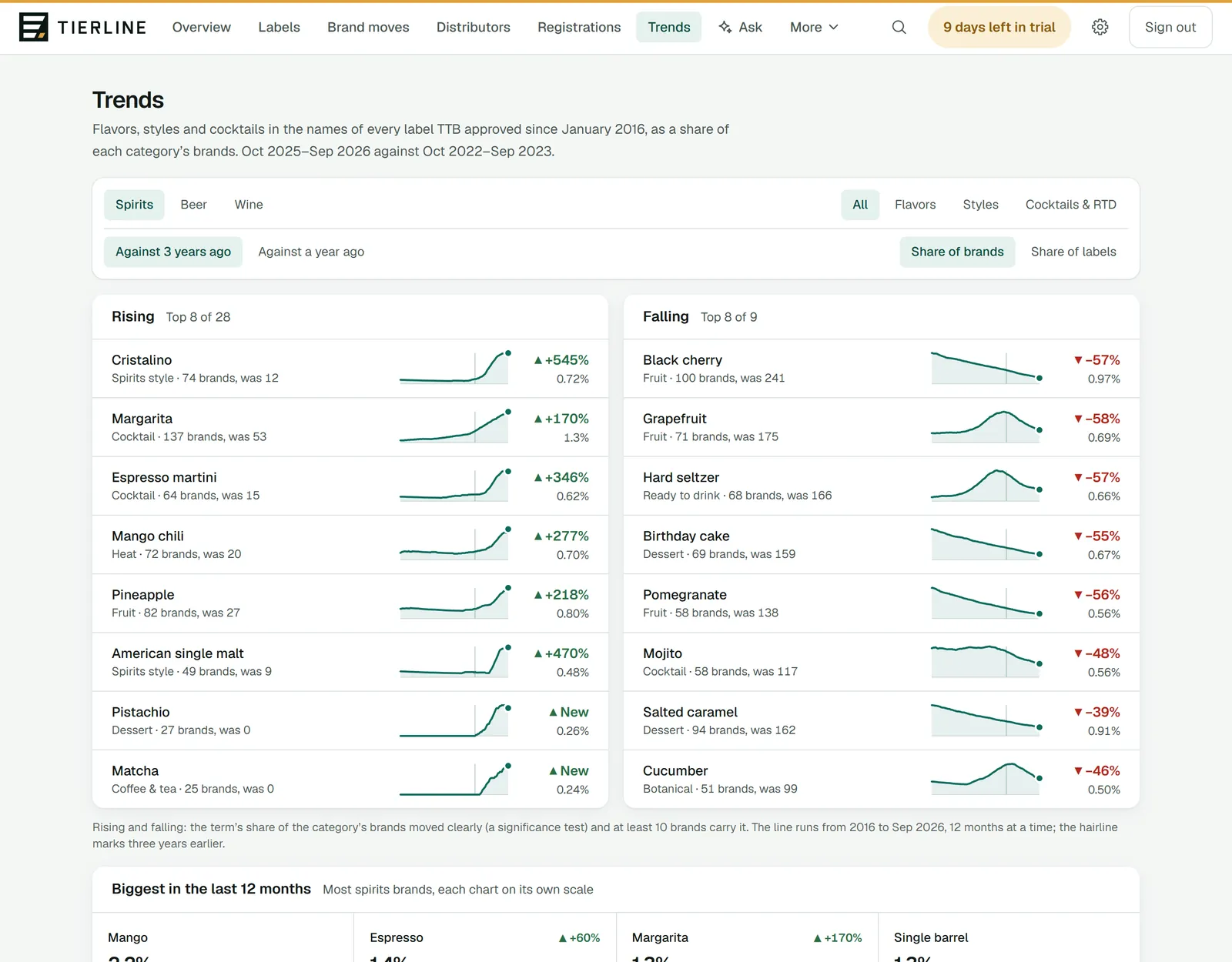
Trends
Flavors, styles and cocktails in new label names, as a share of each category’s brands: what’s rising, what’s falling and what’s biggest.
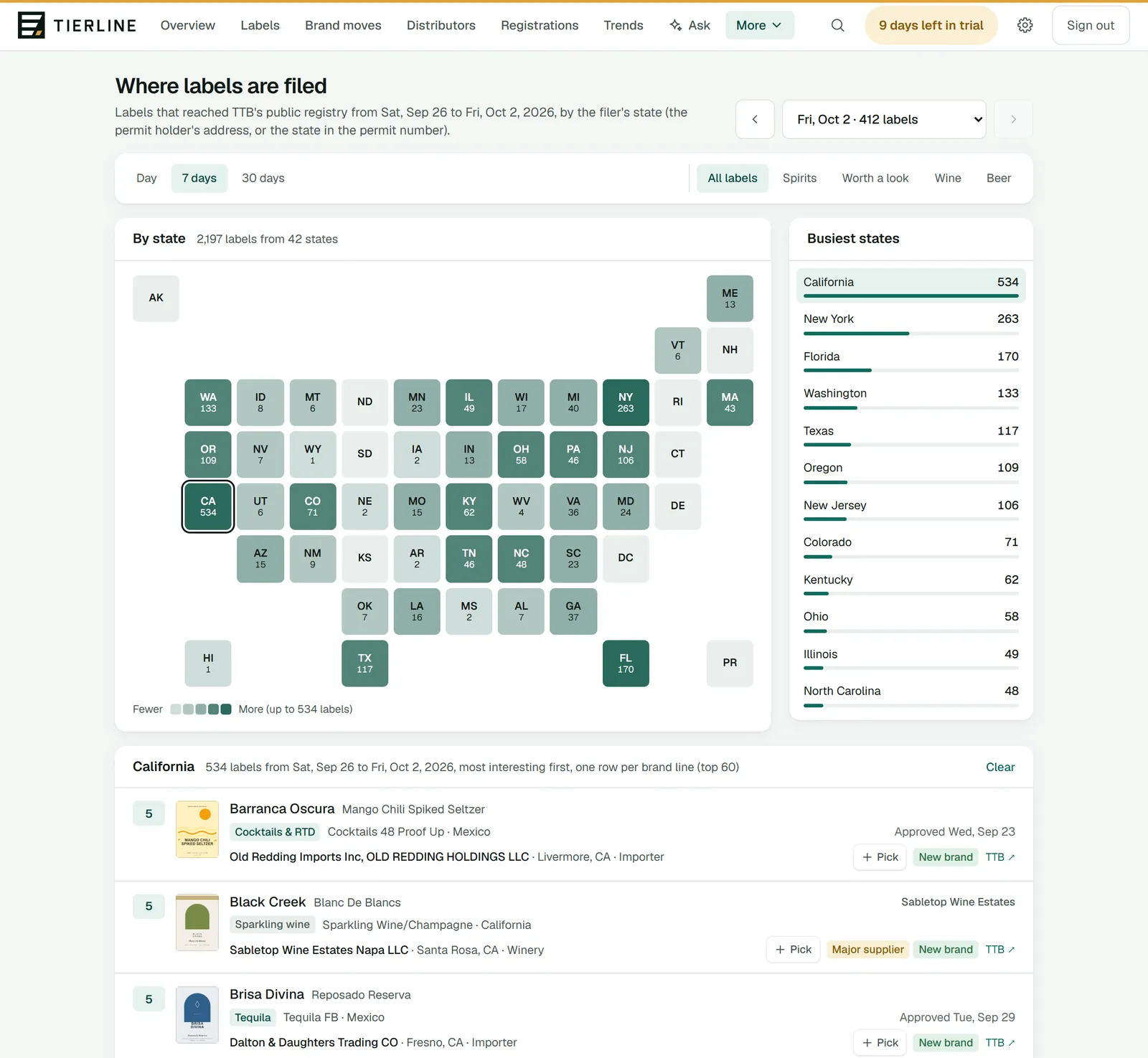
Map
Where new labels are filed: every state shaded by its count, the busiest states, and one state’s labels.
Who carries what
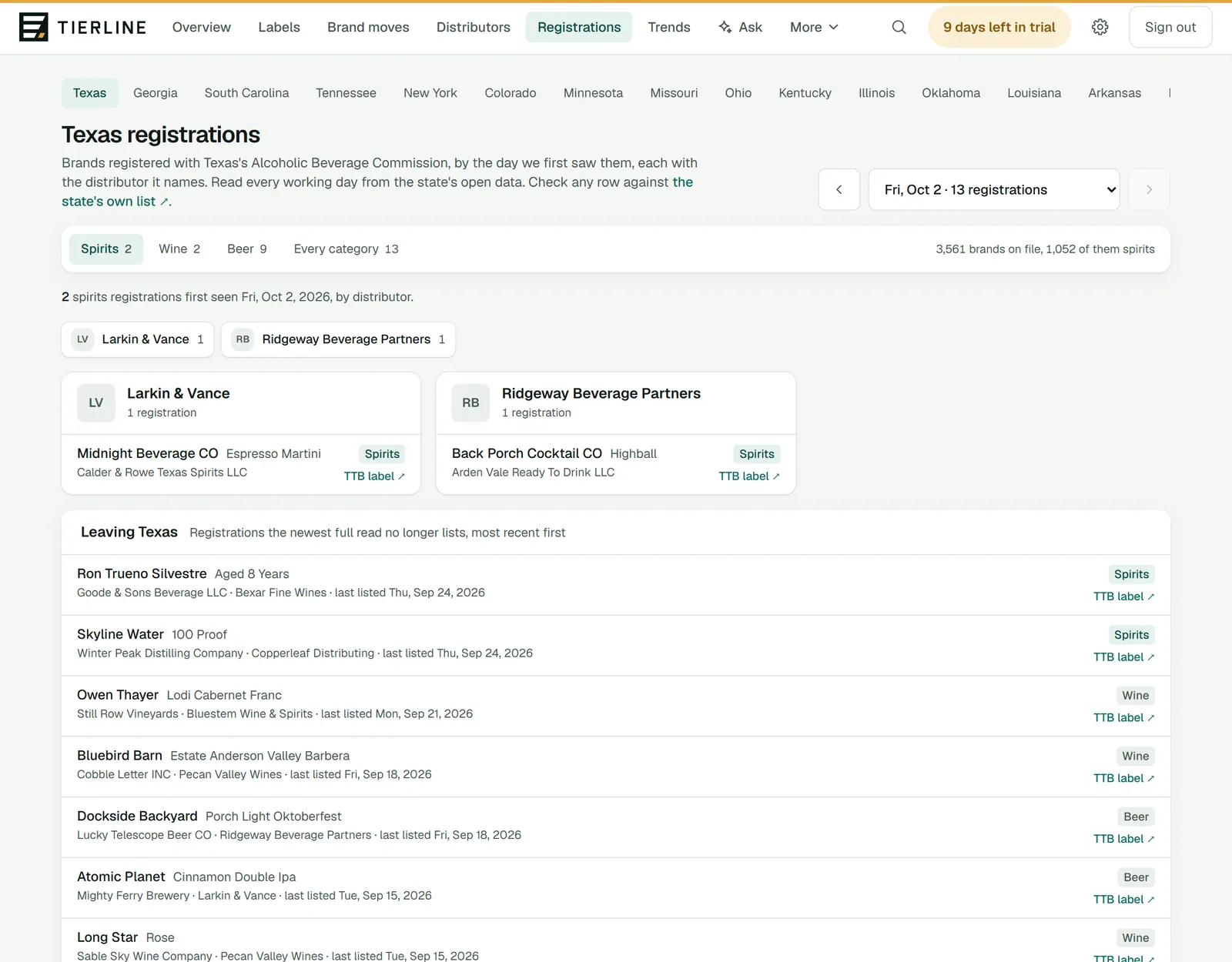
Registrations
Each state’s brand registrations by the day we first saw them, grouped by distributor where the state names one, and the brands leaving.
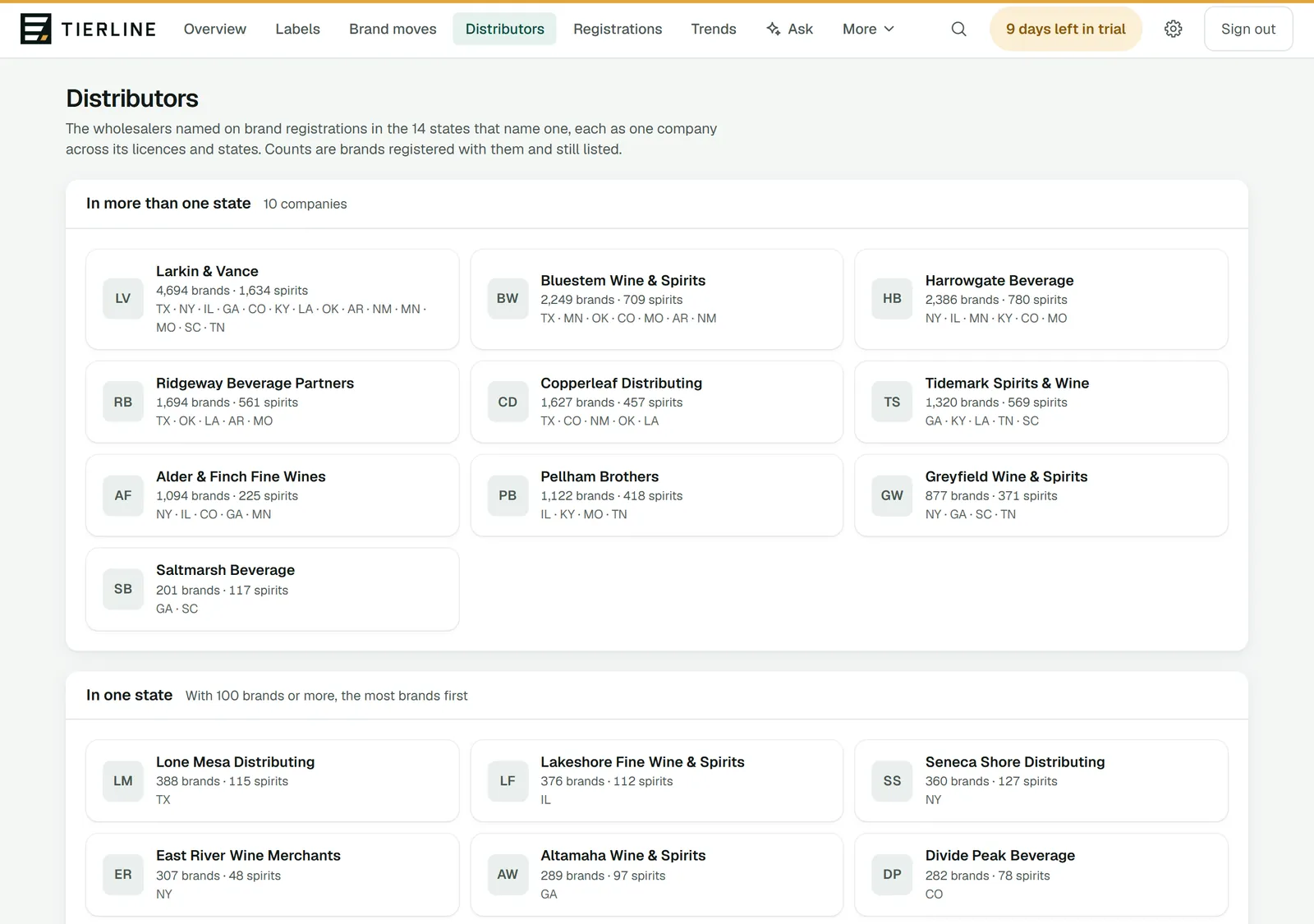
Distributors and brand moves
Every wholesaler as one company across its states, the brands each won and lost, and brands moving between wholesalers, day by day.
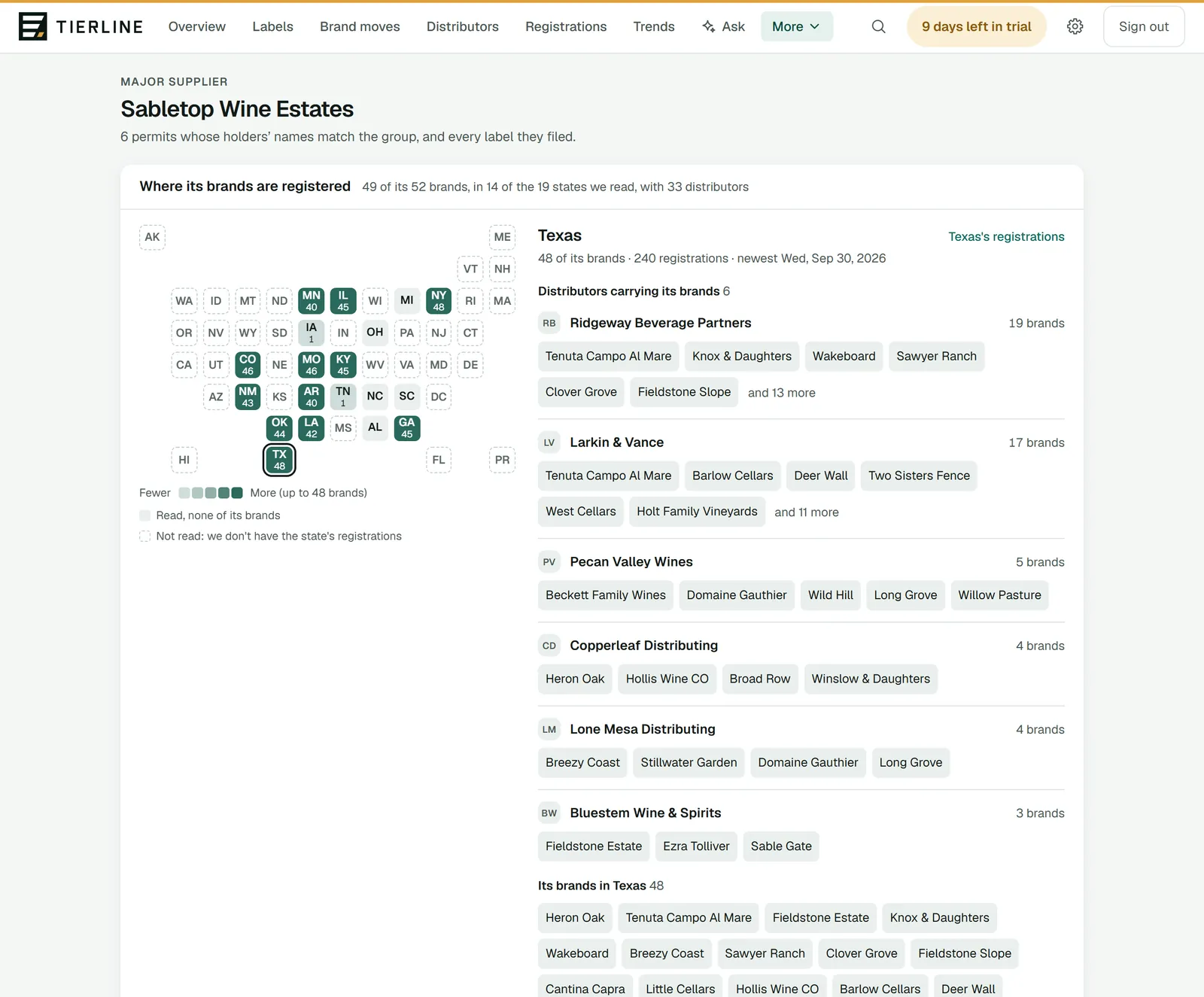
Suppliers and groups
A supplier’s overview: a map of where its brands are registered and with which distributors, its footprint in figures, its brand moves and active labels.
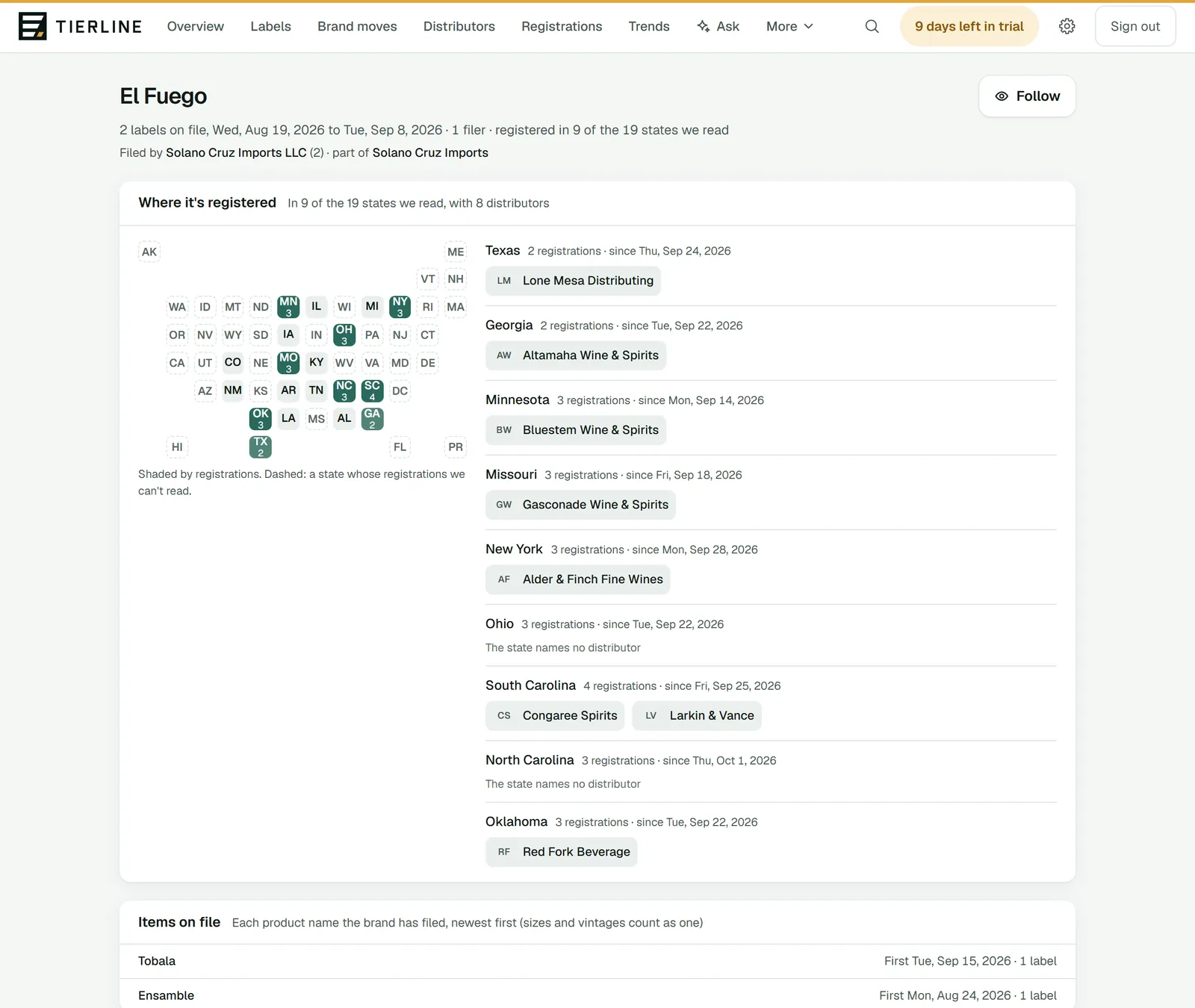
Brand pages
Everything about one brand: its labels and who filed them, every state it’s registered in and the distributors there, and its items.
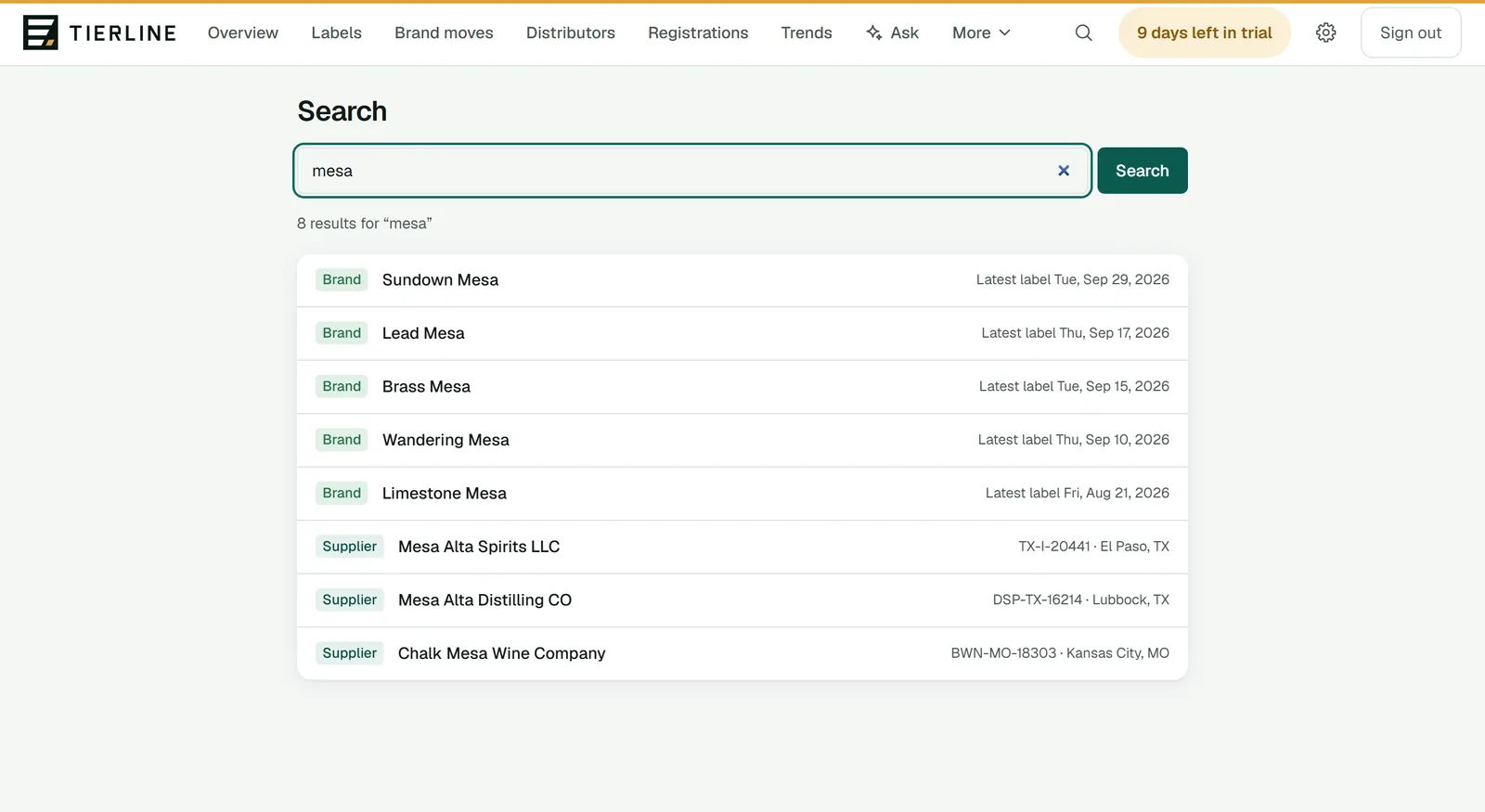
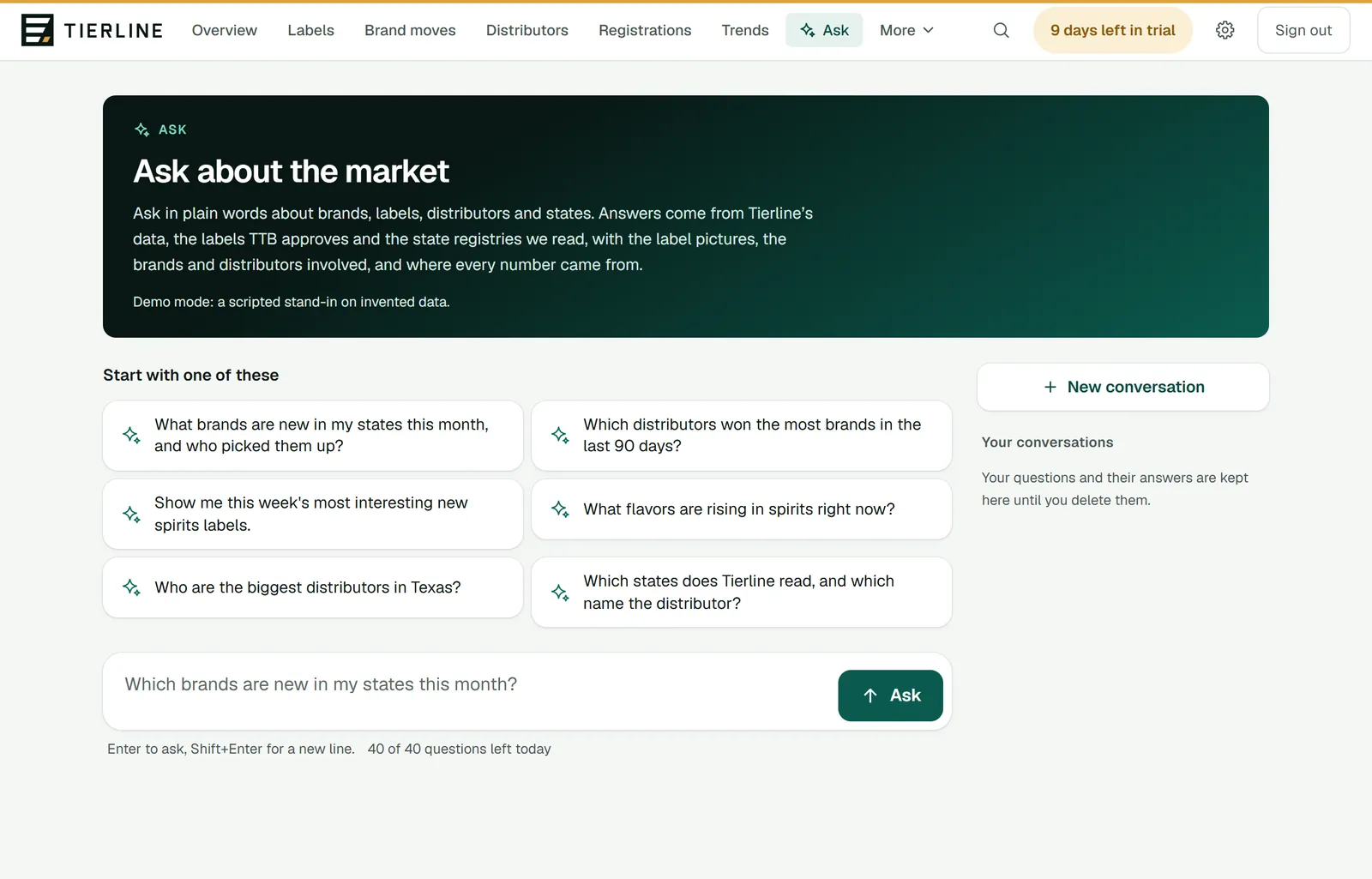
Find and ask
Your account
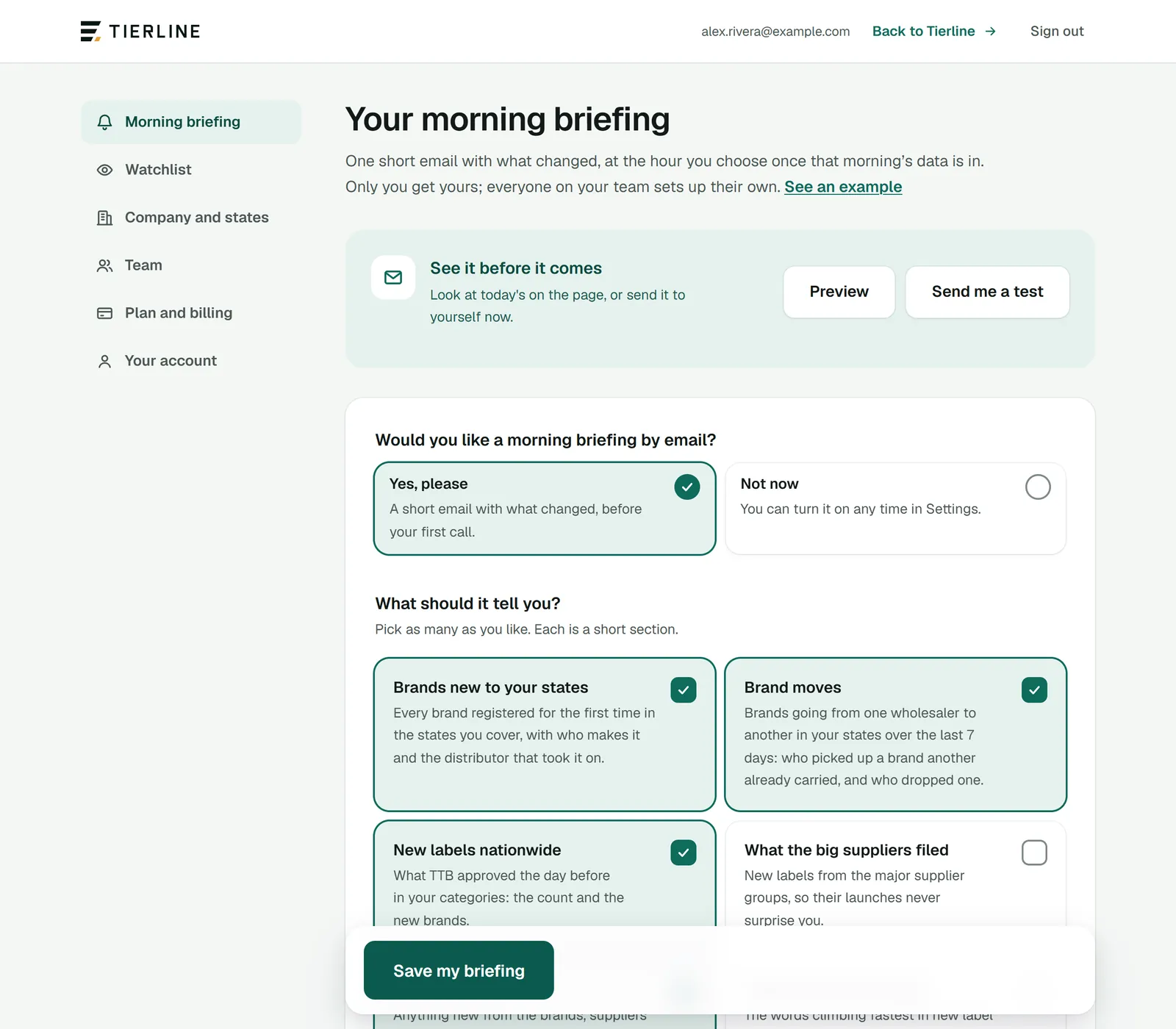
The morning briefing
One short email with what changed, at the hour you choose, once that morning’s data is in: its sections, days, hour, states and categories.
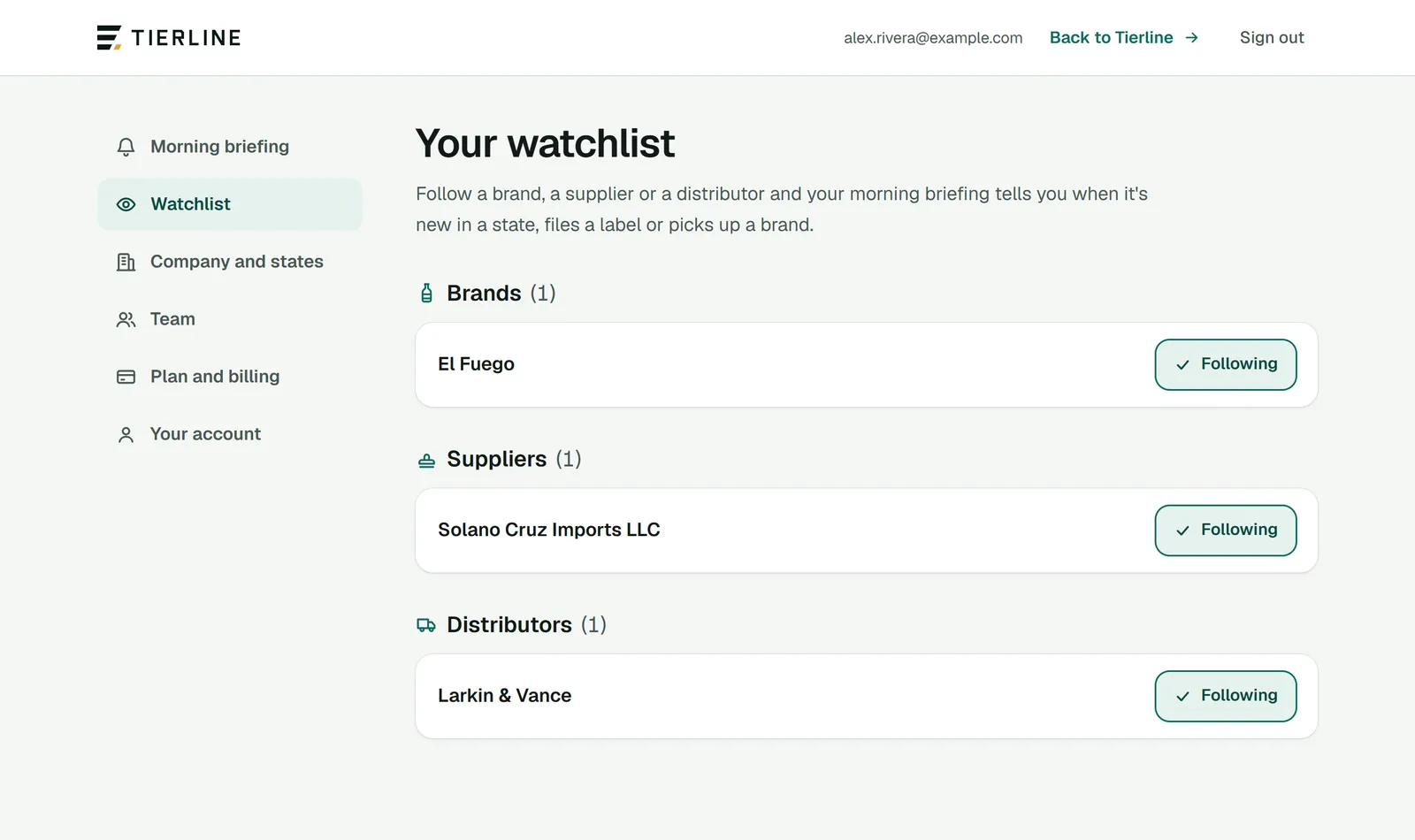
Watchlist
Follow brands, suppliers and distributors, and your morning briefing tells you when they move.
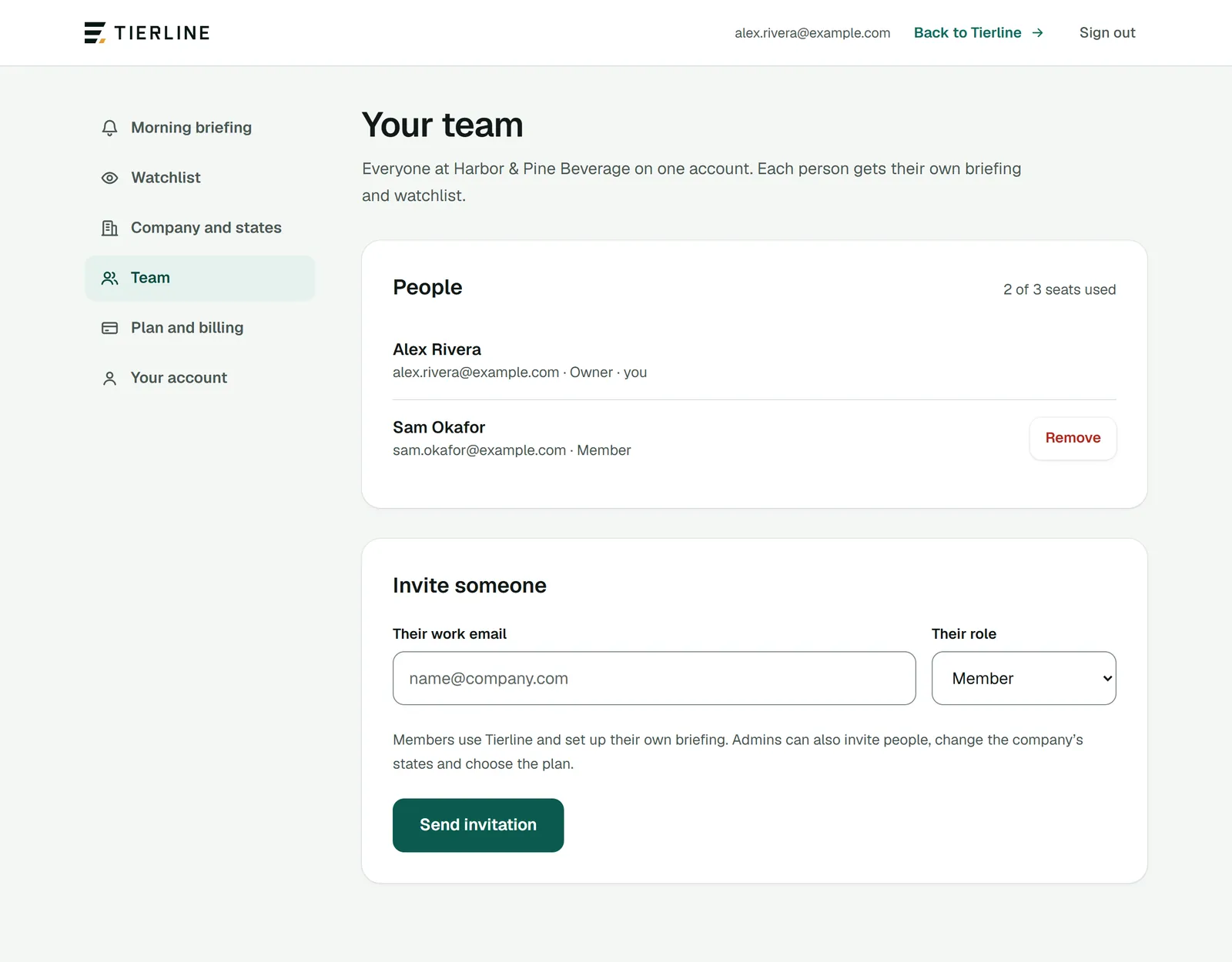
Team and invitations
Everyone at your company on one account: invite people by email, choose who can manage, and see the seats your plan allows.
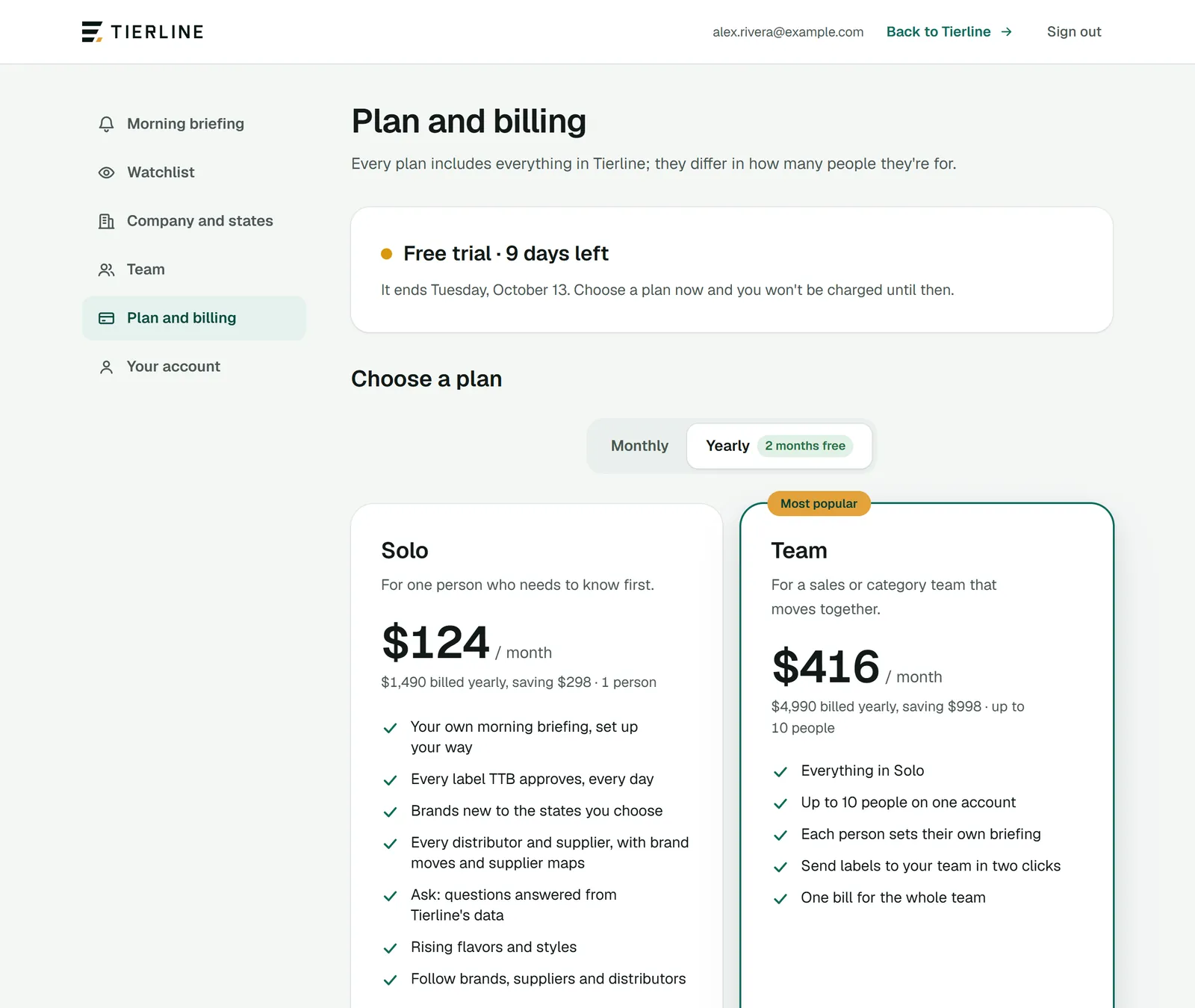
Plan and billing
Where your free trial or plan stands, choosing a plan, and managing the card and invoices with Stripe.